Free Pay Stub Maker: How to Create Professional Pay Stubs Online
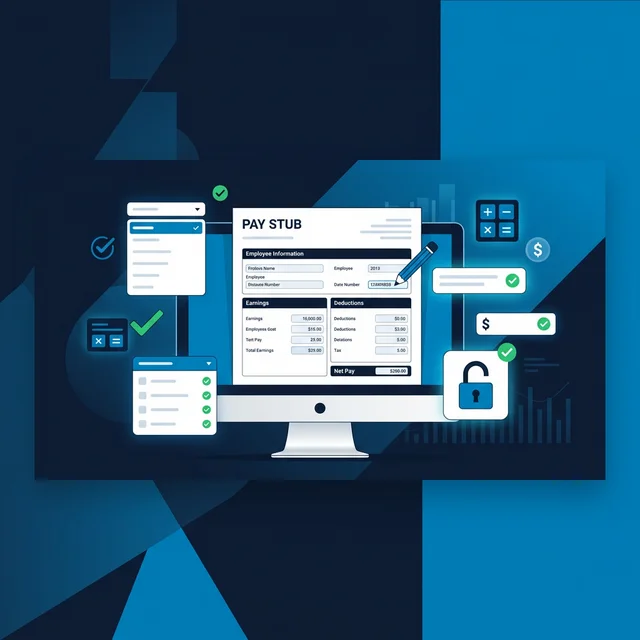
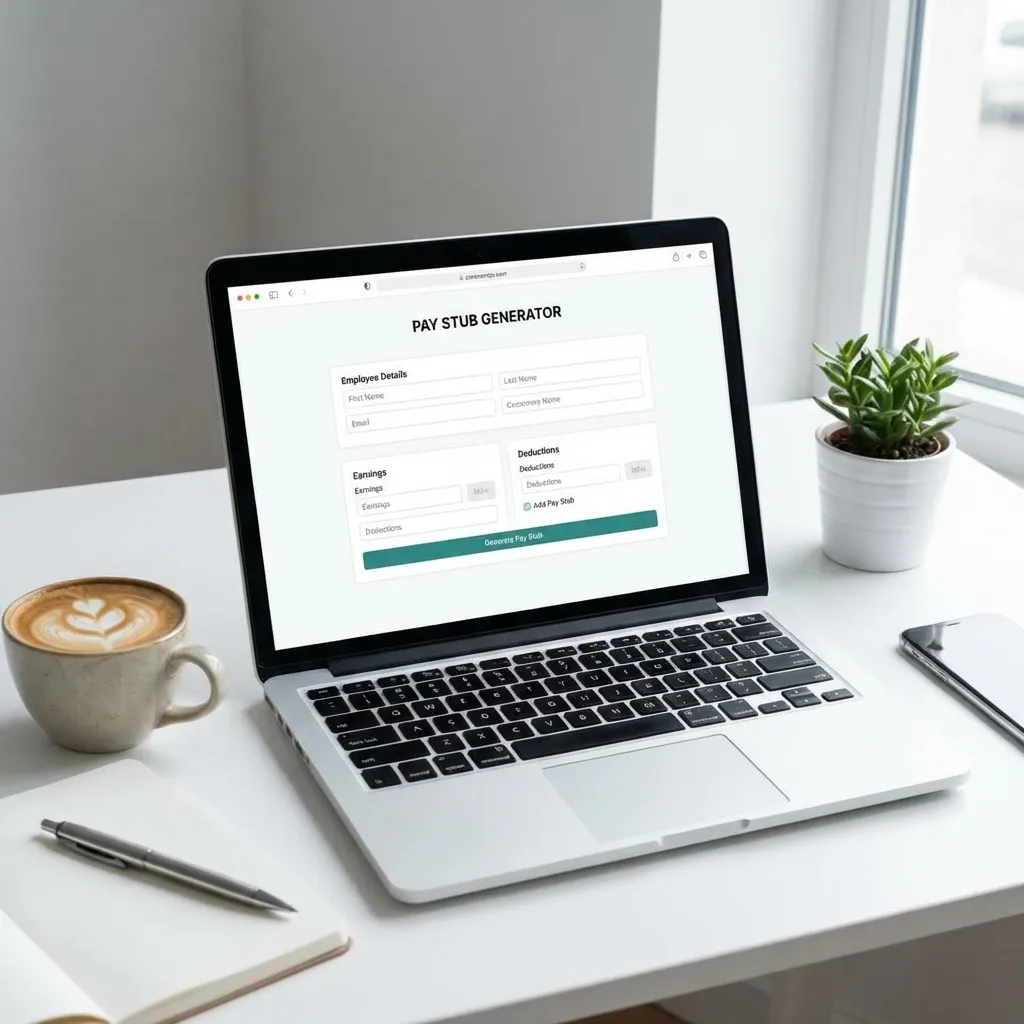
A free pay stub maker lets you create professional, accurate pay stubs without paying upfront or signing up for expensive payroll software. Whether you're a small business owner, freelancer, or self-employed worker, you can generate detailed earnings statements with automatic tax calculations — all for free.
At ValidPaystubs, our free pay stub maker gives you unlimited previews with zero commitment. You see exactly what you'll get before spending a cent. Here's how free pay stub makers work, what to look for in a quality tool, and how to create your first pay stub in under two minutes.
What Is a Pay Stub Maker?
A pay stub maker (also called a paystub generator, check stub creator, or earnings statement generator) is an online tool that creates professional pay stub documents. You input your employment and earnings information, and the tool automatically calculates taxes, deductions, and net pay — then outputs a formatted document that looks identical to what major payroll companies like ADP or Paychex produce.
Pay stub makers are used by:
- Small business owners who process their own payroll
- Self-employed individuals who need income documentation
- Freelancers and contractors proving income for apartment applications
- Independent contractors filing 1099 taxes
- Gig workers like Uber drivers documenting their earnings
- Employees replacing lost or damaged pay stubs
These tools aren't just about formatting — the best ones handle the complex math of federal, state, and local tax withholdings so you don't have to.
Why Use a Free Pay Stub Maker vs. Paid Alternatives?
The Hidden Cost Problem
Most "free" pay stub makers online aren't actually free. Here's what many competitors do:
- Bait-and-switch pricing: Free to start, but you can't download without paying $15-30
- Subscription traps: Require a credit card and auto-enroll you in monthly billing
- Feature gating: The "free" version produces incomplete or watermarked stubs
- Data harvesting: The tool is free because they're selling your personal information
What "Free" Should Actually Mean
A genuinely free pay stub maker should let you:
| Feature | Truly Free | Fake "Free" |
|---|---|---|
| Start without credit card | ✅ | ❌ Often requires card |
| Full preview with all calculations | ✅ | ❌ Limited or blurred |
| Unlimited previews | ✅ | ❌ 1-2 only |
| Accurate tax calculations | ✅ | ❌ Sometimes simplified |
| Professional formatting | ✅ | ❌ Basic templates only |
| No subscription required | ✅ | ❌ Auto-enrolls |
Our free pay stub maker follows the genuinely free model. You create, preview, and perfect your pay stub with zero cost. Payment is only required when you're ready to download the final, watermark-free PDF.
How to Create a Pay Stub with Our Free Maker
Step 1: Open the Generator
Go to our pay stub maker. No account creation. No credit card. Just open and start.
Step 2: Enter Company Information
Fill in the employer details:
- Company name — Your business or employer name
- Company address — Full street address, city, state, ZIP
- State — This determines which state tax rate applies (critical for accuracy)
Step 3: Add Employee Details
Enter the employee (or your own) information:
- Full legal name — As it appears on tax documents
- Address — Current mailing address
- Last 4 digits of SSN — For identification on the stub
- Employee ID — Optional, for organizational use
Step 4: Set Pay Information
This is where the magic happens:
- Gross pay amount — Total earnings before deductions
- Pay period — Start and end dates (e.g., 03/01/2026 – 03/15/2026)
- Pay frequency — Weekly, bi-weekly, semi-monthly, or monthly
- Pay type — Hourly or salary
The tool automatically calculates:
| Deduction | Rate (2026) | How It's Calculated |
|---|---|---|
| Federal Income Tax | 10%–37% | Based on IRS Publication 15-T brackets |
| Social Security (OASDI) | 6.2% | On earnings up to $176,100 |
| Medicare (HI) | 1.45% | On all earnings, no cap |
| State Income Tax | 0%–13.3% | Varies by state — we handle all 50 |
| Local/City Tax | Varies | NYC, Philadelphia, etc. |
The FICA calculation alone (Social Security + Medicare = 7.65%) is where most manual pay stubs go wrong. Our tool handles it automatically.
Step 5: Preview and Verify
Your complete pay stub appears instantly. Review:
- ✅ All personal and company information
- ✅ Gross pay calculation
- ✅ Each tax deduction line
- ✅ Net pay (take-home amount)
- ✅ Year-to-date (YTD) totals
- ✅ Professional formatting
This preview is completely free. Generate as many as you need until everything is perfect.
Step 6: Download When Ready
Once satisfied, download your watermark-free PDF. One-time payment, no subscription. Typically $5-15 per stub, depending on the package.
State-by-State Tax Accuracy: Why It Matters
One of the biggest pitfalls of cheap or manual pay stubs is incorrect state tax calculations. The U.S. has a wildly complex patchwork of state tax rules:
- No income tax states (9 total): Texas, Florida, Nevada, Wyoming, Washington, South Dakota, Alaska, Tennessee, New Hampshire
- Flat tax states: Pennsylvania (3.07%), Illinois (4.95%), Indiana (3.05%), Michigan (4.05%)
- Progressive tax states: California (up to 13.3%), New York (up to 10.9%), New Jersey (up to 10.75%)
- States with local/city taxes: New York City (3.078%–3.876%), Philadelphia (3.75%), many Ohio cities
Our free pay stub maker handles every one of these automatically. Just select your state and the correct rate applies. Check your specific state's requirements in our state-by-state guide.
Who Needs a Free Pay Stub Maker?
Small Business Owners
If you run a small business with employees, you need to provide pay stubs. Most states legally require employers to furnish an itemized statement of earnings and deductions with each paycheck. Check your state's pay stub requirements.
A free pay stub maker is ideal if:
- You have fewer than 5 employees
- You don't want to invest in expensive payroll software
- You need to create stubs quickly and accurately
Self-Employed Individuals
Self-employed workers don't receive pay stubs from an employer — but they still need income documentation. Common scenarios:
- Mortgage applications: Lenders require proof of income showing consistent earnings
- Apartment rentals: Landlords want evidence of at least 2.5-3x the monthly rent
- Car financing: Dealerships need current income verification
- Business loans: Banks want to see stable revenue
Our guide on paystubs for self-employed workers covers exactly how to create accurate documentation for each of these situations.
Freelancers and Gig Workers
If you juggle multiple clients or platforms, consolidating your earnings into a single professional document helps when dealing with landlords, lenders, or even the IRS. Instead of showing bank statement screenshots, a clean pay stub communicates professionalism and organization.
Pay Stub Maker vs. Full Payroll Software: When to Use Each
| Feature | Free Pay Stub Maker | Payroll Software (Gusto, ADP) |
|---|---|---|
| Monthly cost | $0 (pay per download) | $40–150/month |
| Tax filing | Manual (you file) | Automatic |
| Direct deposit | No | Yes |
| W-2/1099 generation | No | Yes |
| Best for | 1-5 employees, self-employed | 5+ employees, growing businesses |
| Setup time | 2 minutes | Days to weeks |
| Learning curve | None | Moderate |
Bottom line: If you need occasional pay stubs or have very few employees, a free pay stub maker saves you hundreds per year compared to payroll software subscriptions. If you're processing payroll for a growing team with direct deposit needs, invest in full payroll software.
Common Mistakes When Using Pay Stub Makers
1. Entering Incorrect Gross Pay
Your gross pay must reflect your actual earnings. This is the starting point for all calculations — if it's wrong, everything downstream is wrong.
2. Selecting the Wrong State
State taxes vary enormously. An employee in Texas (0% state income tax) and an employee in California (up to 13.3%) will have dramatically different net pay. Always double-check the state selection.
3. Ignoring YTD Totals
If you're creating multiple pay stubs, year-to-date totals must be cumulative. Each pay stub should build on the previous period's YTD values. Lenders and landlords check YTD consistency.
4. Fabricating Information
Using a pay stub maker to create fraudulent documents is illegal. Pay stubs must accurately represent real earnings. Submitting fake stubs for loans or apartments is fraud and carries serious legal consequences including fines and imprisonment.
5. Forgetting Pre-Tax Deductions
If you have health insurance premiums, 401(k) contributions, or HSA contributions, these reduce your taxable income. Omitting them produces inaccurate tax withholding calculations.
How to Verify Your Pay Stub Is Accurate
After generating your pay stub, run through this checklist:
- Federal tax: Does the withholding match your tax bracket? Use the IRS tax withholding estimator to cross-check.
- Social Security: Should be exactly 6.2% of gross pay (until hitting the $176,100 cap in 2026)
- Medicare: Should be exactly 1.45% of gross pay (no cap)
- State tax: Verify against your state's published tax tables
- Net pay: Gross pay minus all deductions = net pay — do the math manually once
- YTD totals: Should equal the sum of all prior periods' values plus the current period
If you understand all the abbreviations on a paystub, you can audit each line item. Our paystub abbreviations guide explains every code you might see.
Frequently Asked Questions
Is it legal to make your own pay stubs?
Yes, it is completely legal to create your own pay stubs as long as the information is accurate and truthful. Self-employed individuals, freelancers, and small business owners routinely create their own earnings documentation. The key is that the figures must reflect actual income — fabricating or inflating numbers is fraud.
What information do I need to create a pay stub?
You need your full name and address, your employer's name and address, gross pay amount, pay period dates, and your state of employment. Our free pay stub maker automatically calculates all federal, state, and FICA taxes based on these inputs. Optional fields include employee ID, additional deductions like 401(k) contributions or health insurance, and overtime hours.
Can I use free pay stubs for a mortgage application?
Yes, lenders accept pay stubs as part of income verification for mortgages. They typically require your 2-3 most recent stubs plus W-2s from the past two years. The pay stub must be accurate and consistent with your other financial documents. For self-employed borrowers, pairing pay stubs with tax returns and bank statements makes the strongest case.
How is a pay stub different from a W-2?
A pay stub is issued every pay period and shows earnings for that specific period plus year-to-date totals. A W-2 is an annual tax document summarizing your entire year's earnings and tax withholdings. You need pay stubs for current income proof (apartments, car loans) and W-2s for tax filing and historical income verification.
Do all states require employers to provide pay stubs?
No. While most states require employers to provide pay stubs or earnings statements, the requirements vary significantly. Some states mandate detailed written statements, others allow electronic-only access, and a few (like Florida and Mississippi) have no state-level pay stub requirement at all. Check our state-by-state requirements guide for specifics.
Are online pay stub makers safe to use?
Reputable pay stub makers use SSL encryption and don't permanently store your personal data. However, you should verify the tool's privacy policy before entering sensitive information like your SSN. Our generator processes your data securely and does not retain it after your session ends.
Pay Stub Maker for Different Situations
For Apartment & Rental Applications
Landlords typically want to see income of 2.5–3× the monthly rent. If you're applying for a $1,800/month apartment, you need to show $4,500–$5,400/month in gross earnings. Our free pay stub maker calculates everything automatically — just enter your gross pay, and the tool produces a professional document ready for your application.
Need help with the specifics? Read our guide on how to make check stubs for apartment applications.
For Mortgage Pre-Approval
Mortgage lenders are the most scrutinizing consumers of pay stubs. They cross-reference your stubs against W-2s, tax returns, and bank statements. Any inconsistency raises red flags. Our generator ensures all calculations — federal tax, state tax, FICA, YTD totals — are mathematically consistent across multiple pay periods.
Learn more about paystub requirements for mortgage applications.
For Contractors & 1099 Workers
Independent contractors don't receive traditional pay stubs, but they still need income documentation. Our pay stub maker lets 1099 workers create professional earnings records. We cover the specifics in our contractor pay stub guide and 1099 employee pay stub guide.
For Replacing Lost Documents
Lost your original pay stubs? Check our guide on how to get pay stubs from a previous employer first — but if your former employer is unreachable, a pay stub maker can recreate accurate documentation based on your W-2 or bank records.
Start Making Pay Stubs for Free
Creating professional pay stubs shouldn't require a monthly subscription or accounting degree. Our free pay stub maker handles all the complex tax calculations, produces industry-standard formatting, and lets you preview everything before committing.
Whether you need a pay stub for an apartment application, loan documentation, or simply to keep clean financial records — you can have a professional document ready in under two minutes.
No credit card. No signup. No strings attached.
Sources & References

About ValidPaystubs Editorial Team
Articles on ValidPaystubs are written and maintained by the editorial team at Sweethelp LLC, the company that operates this site from Sheridan, WY. We are a small team, not a firm of accountants — we build the tool and document how US payroll figures work, citing the IRS and state revenue departments so you can check any number against its source. Nothing here is tax, legal or financial advice, and for a decision that matters you should talk to a licensed professional.
View Profile