Free Paystub Generator: Create Professional Pay Stubs Online (2026)
Free Paystub Generator: Create Professional Pay Stubs Online (2026)
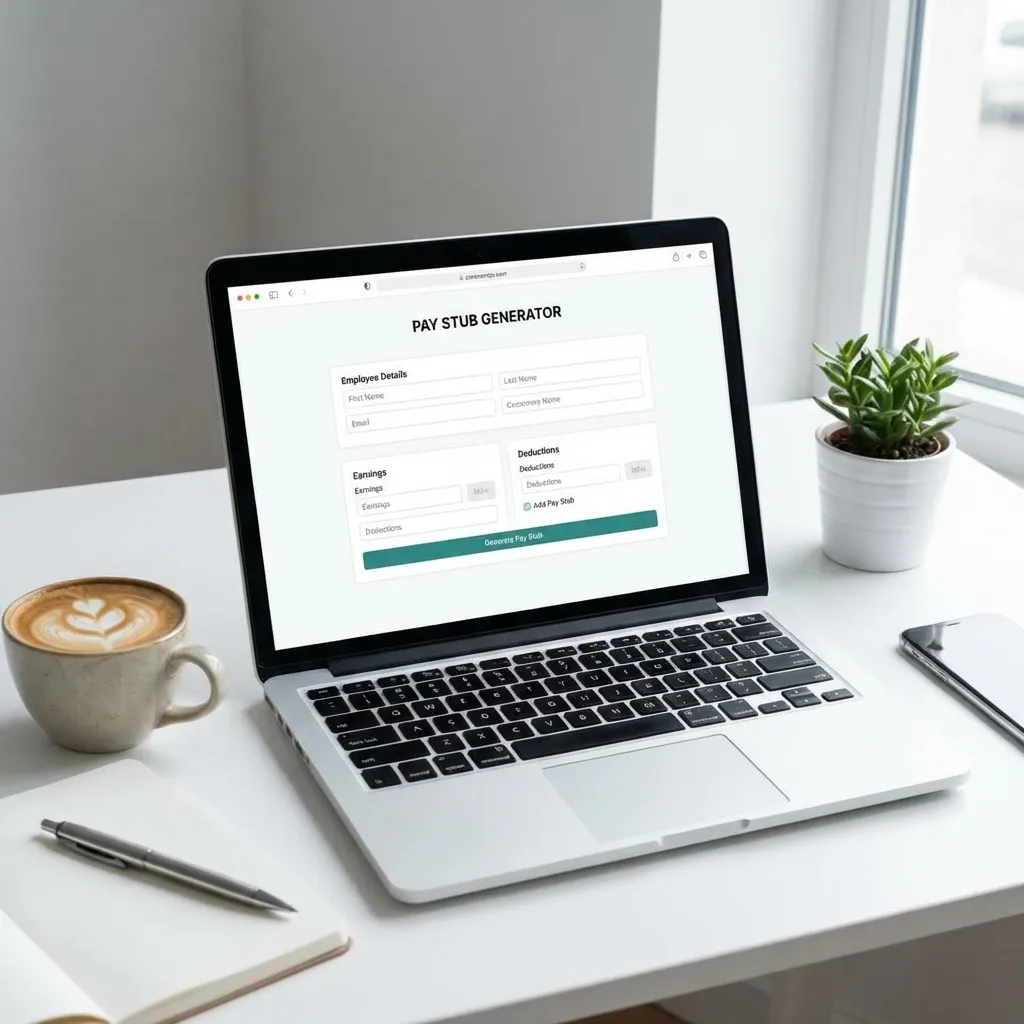
Need a paystub but don't want to pay upfront? You're not alone. Millions of freelancers, contractors, and small business owners need professional pay documentation, but traditional payroll services charge monthly fees or expensive per-stub rates.
The good news? You can create a professional paystub completely free using our online paystub generator. No credit card required. No hidden fees. No subscriptions.
In this comprehensive guide, we'll show you exactly how to use our free paystub generator to create IRS-compliant pay stubs in under 60 seconds, what makes our generator the best free option available, and how to ensure your paystubs are accepted by landlords, lenders, and tax authorities.
What is a Free Paystub Generator?
A free paystub generator is an online tool that allows you to create professional pay stubs without paying upfront fees. Unlike traditional payroll software that charges monthly subscriptions or expensive per-document fees, a free generator lets you:
- Preview your paystub before committing to purchase
- Generate unlimited drafts to perfect your document
- Access basic features at no cost
- Pay only when you're ready to download the final, watermark-free PDF
Why Use a Free Paystub Generator?
Whether you're self-employed, a freelancer, or a small business owner, here's why a free paystub generator makes sense:
- No Upfront Investment: Test the tool before spending money
- Perfect for One-Time Needs: Don't pay for monthly subscriptions if you only need occasional paystubs
- Transparency: See exactly what you're getting before purchase
- Flexibility: Generate paystubs for any pay period, past or present
- Privacy: No need to provide credit card information until you're ready to download
How Our Free Paystub Generator Works
Our free paystub generator is designed to be simple, fast, and accurate. Here's how it works:
Step 1: Access the Generator (100% Free)
Navigate to our paystub generator - no signup required, no credit card needed. You can start creating your paystub immediately.
Step 2: Enter Your Information
Fill in the required details:
Employer Information:
- Company name
- Business address
- City, state, ZIP code
Employee Information:
- Your full legal name
- Home address
- Last 4 digits of SSN
- Employee ID (optional)
Pay Details:
- Gross pay amount
- Pay period dates
- Pay frequency (weekly, biweekly, monthly)
- Payment type (hourly, salary, contract)
Step 3: Automatic Tax Calculations (Free Preview)
Our engine automatically calculates:
- Federal Income Tax based on 2026 IRS brackets
- State Income Tax for all 50 states
- Social Security (FICA-SS) at 6.2%
- Medicare (FICA-Med) at 1.45%
- Local taxes where applicable
All calculations are visible in your free preview - no payment required.
Step 4: Review Your Free Preview
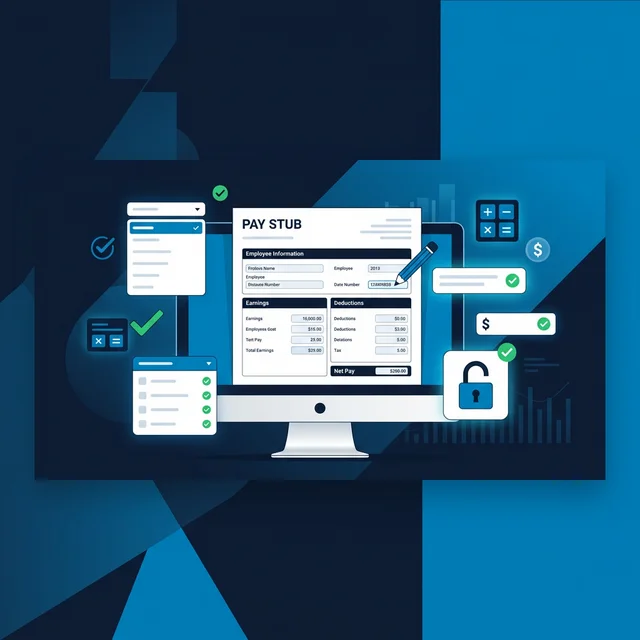
You'll see a complete, professional paystub with:
- Accurate tax calculations
- Year-to-date (YTD) totals
- Professional formatting
- Industry-standard layout
The preview includes a watermark - this is normal and allows you to verify everything is correct before purchasing.
Step 5: Download (Optional)
Only when you're satisfied with your paystub, you can choose to download the watermark-free, high-resolution PDF. This is the only time payment is required.
Features of Our Free Paystub Generator
1. Completely Free to Use
- No credit card required to start
- No monthly subscriptions
- No hidden fees
- Unlimited previews
2. Automatic Tax Calculations
Our free paystub generator handles all tax calculations automatically:
| Tax Type | Calculation | Coverage |
|---|---|---|
| Federal Income Tax | Based on 2026 IRS brackets | All filing statuses |
| State Income Tax | State-specific rates | All 50 states |
| Social Security | 6.2% of gross pay | Up to $168,600 (2026 limit) |
| Medicare | 1.45% of gross pay | No limit |
| Local Taxes | City/county specific | Where applicable |
3. All 50 States Supported
Whether you're in California (with SDI), New York (with local taxes), or Texas (no state tax), our generator automatically applies the correct tax rates.
4. Professional Templates
Choose from multiple professional templates that match major payroll providers:
- ADP-style templates
- Paychex-style layouts
- Generic professional formats
- Industry-specific designs
5. Historical Pay Periods
Generate paystubs for any date - past or present. Perfect for:
- Recovering lost paystubs
- Creating documentation for previous periods
- Tax preparation
- Loan applications requiring historical proof
6. Year-to-Date (YTD) Calculations
Our generator automatically calculates YTD totals, showing:
- YTD Gross Pay
- YTD Deductions
- YTD Net Pay
- YTD Federal Tax
- YTD State Tax
Why Our Free Paystub Generator is Better Than Alternatives
vs. Excel Templates
| Feature | Our Free Generator | Excel Templates |
|---|---|---|
| Tax Calculations | Automatic, 2026-compliant | Manual, error-prone |
| State Taxes | All 50 states supported | You must calculate |
| YTD Totals | Automatic | Manual formulas |
| Professional Look | Industry-standard | Basic spreadsheet |
| Time Required | 2 minutes | 30+ minutes |
| Accuracy | 100% IRS-compliant | Human error risk |
vs. Paid Payroll Software
| Feature | Our Free Generator | Monthly Payroll Software |
|---|---|---|
| Cost | Free preview, pay-per-use | $20-50/month minimum |
| Setup Time | Instant | Hours of configuration |
| Flexibility | Generate anytime | Tied to payroll schedule |
| No Commitment | Use when needed | Monthly subscription |
vs. Other Free Generators
Many "free" paystub generators have hidden costs:
- Subscription traps: Auto-enroll you in monthly plans
- Limited features: Basic templates, no tax calculations
- Poor accuracy: Incorrect tax rates
- Watermarks: Can't remove without expensive upgrades
Our generator is truly free to use - you only pay when you download the final PDF.
Common Use Cases for Free Paystub Generators
1. Apartment Rental Applications
Landlords typically require 2-3 months of paystubs to verify income. If you're self-employed or between jobs, a free paystub generator lets you create the documentation you need.
What Landlords Look For:
- Consistent income over time
- Gross pay amount
- Recent pay periods (last 2-3 months)
- Professional appearance
2. Car Loan Applications
Auto dealerships and lenders need proof of income. A free paystub generator creates the documentation they require.
What Lenders Need:
- Gross monthly income
- YTD totals showing stability
- Professional format
- Recent pay periods
3. Mortgage Pre-Approval
Mortgage lenders are particularly strict with self-employed applicants. Multiple paystubs showing consistent income are essential.
Requirements:
- 2-3 months of paystubs minimum
- Consistent gross pay
- YTD figures matching tax returns
- Professional documentation
4. Tax Preparation
If you've lost paystubs or need to verify income for tax filing, a free paystub generator can recreate the documentation.
5. Proof of Income for Benefits
Some government programs and benefits require proof of income. A professional paystub from a free generator meets these requirements.
Tips for Using a Free Paystub Generator
1. Double-Check All Information
Before generating your paystub, verify:
- Company name and address are correct
- Your personal information is accurate
- Gross pay amount matches your records
- Pay period dates are correct
2. Use Accurate Tax Information
Our generator calculates taxes automatically, but ensure:
- You've selected the correct state
- Filing status is accurate (affects federal tax)
- Allowances are correct (if applicable)
3. Review the Preview Carefully
Take time to review your free preview:
- Check all calculations
- Verify YTD totals make sense
- Ensure formatting looks professional
- Confirm all information is correct
4. Save Multiple Versions
If you need paystubs for multiple pay periods:
- Generate each one separately
- Use consistent information across all
- Ensure YTD totals are cumulative
5. Keep Records
After generating your paystub:
- Save a copy for your records
- Note the pay period dates
- Keep track of YTD totals for future paystubs
Legal Considerations
Is It Legal to Create Your Own Paystub?
Yes, it is legal to create your own paystub if:
- You're self-employed or a business owner
- The information on the paystub is accurate
- You're using it for legitimate purposes (proof of income, record-keeping)
- You're not falsifying information to obtain loans fraudulently
When Is It Illegal?
Creating a paystub becomes illegal if:
- You falsify income amounts to qualify for loans
- You use fake paystubs to commit fraud
- You misrepresent your employment status
- You create paystubs with false information
Important: Always ensure the information on your paystub is truthful and accurate. Using false information to obtain loans, apartments, or other benefits is fraud and can result in serious legal consequences.
Frequently Asked Questions
Is the paystub generator really free?
Yes! You can use our free paystub generator to create and preview paystubs without any cost. You only pay when you choose to download the final, watermark-free PDF.
Do I need a credit card to use the free generator?
No credit card is required to access the generator or create previews. You only provide payment information when you're ready to download your final paystub.
Can I generate multiple paystubs for free?
Yes, you can generate unlimited previews. Each preview is free, and you only pay when you download the final PDF.
Are the tax calculations accurate?
Yes. Our free paystub generator uses the latest 2026 IRS tax brackets and state-specific tax rates. All calculations are verified for accuracy.
Will my paystub be accepted by landlords and lenders?
Yes, as long as the information is accurate. Our paystubs use industry-standard formatting that matches what major payroll providers use. Landlords and lenders accept them because they look professional and contain all required information.
Can I edit my paystub after generating it?
Yes! If you notice an error after generating your paystub, you can make unlimited corrections. Simply regenerate with the corrected information.
How long does it take to create a paystub?
With our free paystub generator, you can create a professional paystub in under 60 seconds. Most users complete the process in 2-3 minutes.
Can I generate paystubs for past dates?
Yes! Our generator allows you to create paystubs for any date - past or present. This is perfect for recovering lost paystubs or creating documentation for previous pay periods.
What if I make a mistake?
No problem! You can generate unlimited previews with our free generator. Simply correct the information and generate a new preview.
Do you store my information?
No. We don't store your personal information or paystub data. Your privacy is protected, and all information is processed securely.
Conclusion: Get Started with Our Free Paystub Generator Today
Creating professional paystubs doesn't have to be expensive or complicated. Our free paystub generator gives you:
- Zero upfront cost - Start immediately, no credit card needed
- Automatic tax calculations - 100% accurate, IRS-compliant
- Professional templates - Industry-standard formatting
- All 50 states - Complete tax coverage
- Unlimited previews - Perfect your paystub before downloading
Whether you need paystubs for an apartment application, car loan, mortgage, or tax preparation, our free paystub generator has you covered.
No credit card required. No subscriptions. No hidden fees. Just professional paystubs when you need them.
Need help? Check out our complete guide on how to create a paystub or learn more about what a paystub is and why you need one.
Sources & References

About ValidPaystubs Editorial Team
Articles on ValidPaystubs are written and maintained by the editorial team at Sweethelp LLC, the company that operates this site from Sheridan, WY. We are a small team, not a firm of accountants — we build the tool and document how US payroll figures work, citing the IRS and state revenue departments so you can check any number against its source. Nothing here is tax, legal or financial advice, and for a decision that matters you should talk to a licensed professional.
View Profile